How to Convert Vodafone Prepaid to Postpaid by Online |Offline |MyVodafone App.
Vodafone Prepaid to Postpaid Conversion Process: – Hello! Readers, today, we will guide you to convert your Vodafone Prepaid number to Postpaid by using any one method among three as offline, online or MyVodafone app. Basically, you could able to convert Vodafone Prepaid to postpaid through [1] offline process, or [2] online process by using MyVodafone App.
Similarly, you Could also able to convert Airtel Prepaid number to Postpaid, Click-Here to Know more…

Offline Process of Vodafone Prepaid to Postpaid Conversion:
Step-1: You have to visit the nearby Vodafone Store/Vodafone mini store along with ID proof, Address Proof, and one copy color photo.
(Note-ID Proof/Address Proof: Aadhaar Card, Voter ID, Electric bill, Telephone bill, Driving License, etc.)
Step-2: Fill up the Migration/conversion form.
Step-3: Submit the Form along with essential documents and collect New SIM.
Step-4: Insert the new SIM after disconnection of Network in old prepaid SIM.
Online Process of Vodafone Prepaid to Postpaid Conversion by using MyVodafone App:
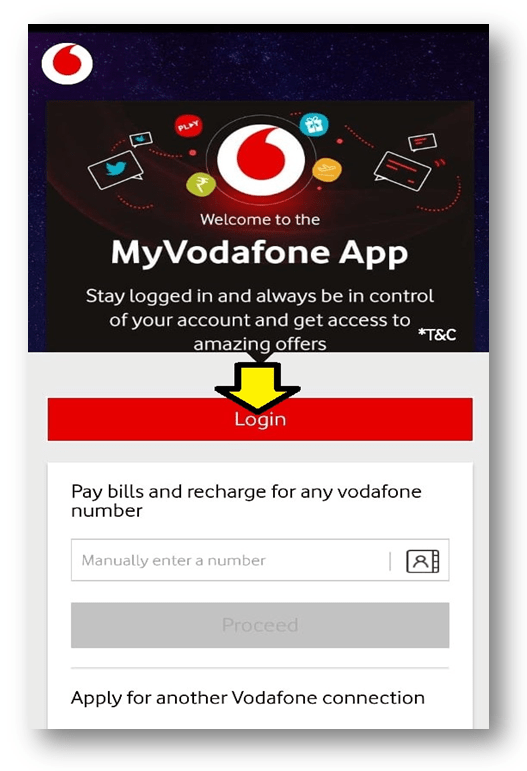
Step-1: Login to MyVodafone Apps.
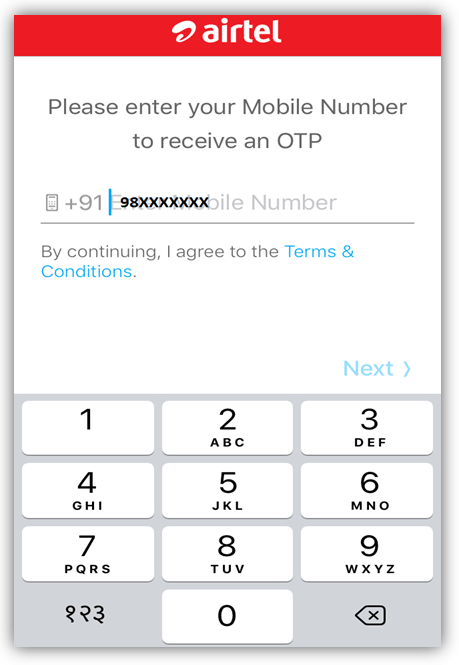
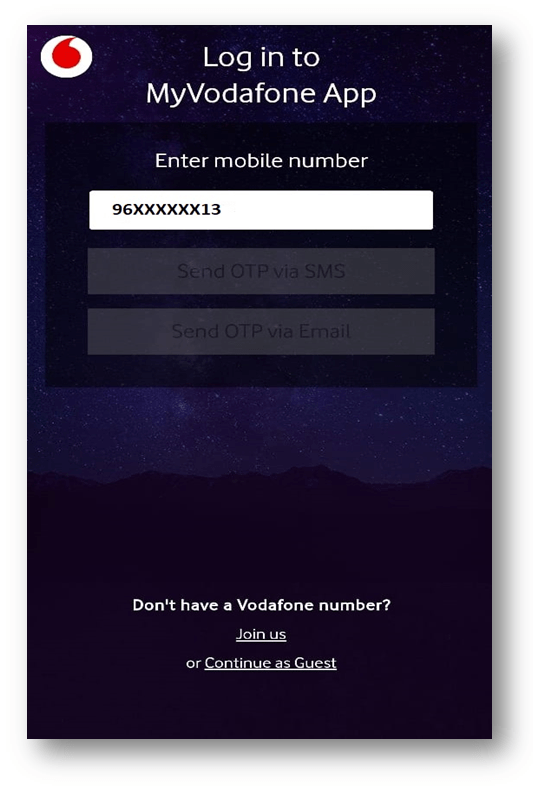
Step-2: Enter your prepaid Vodafone number and select the OTP receiving methods.
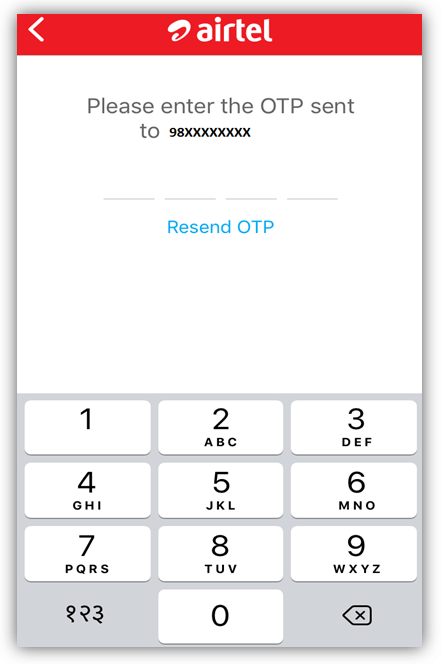
Step-3: Enter four digits OTP (One time Password) and login to the home page.
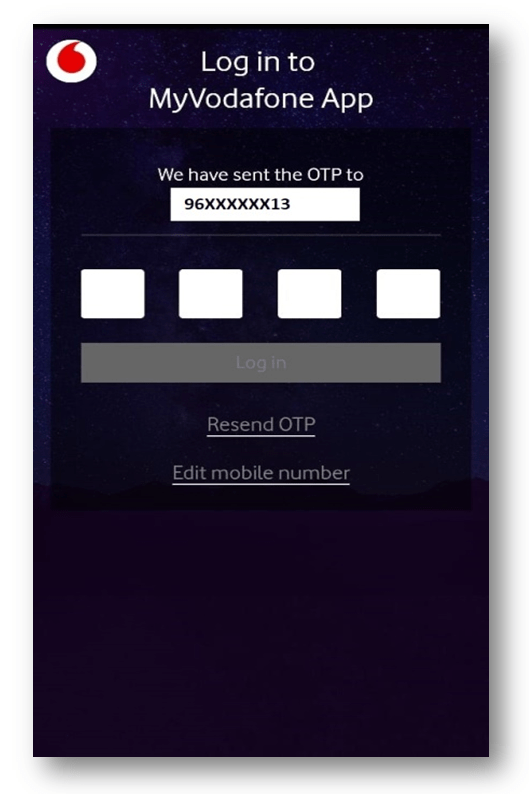
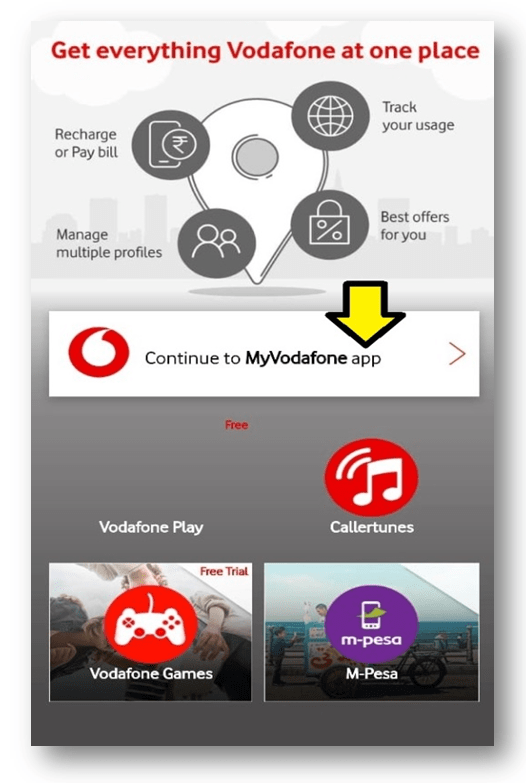
Step-4: Enter on “continue to MyVodafone app” to open the user page.
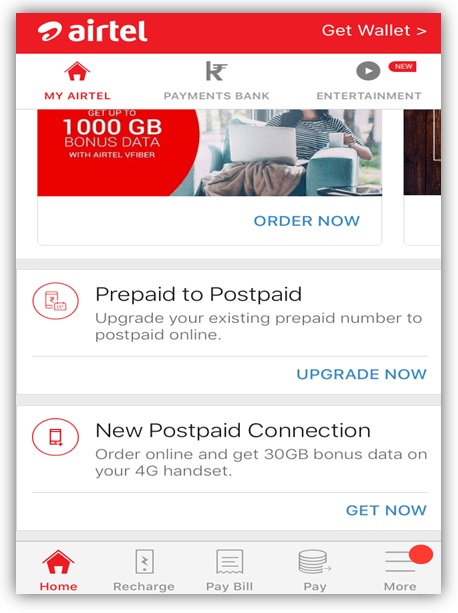
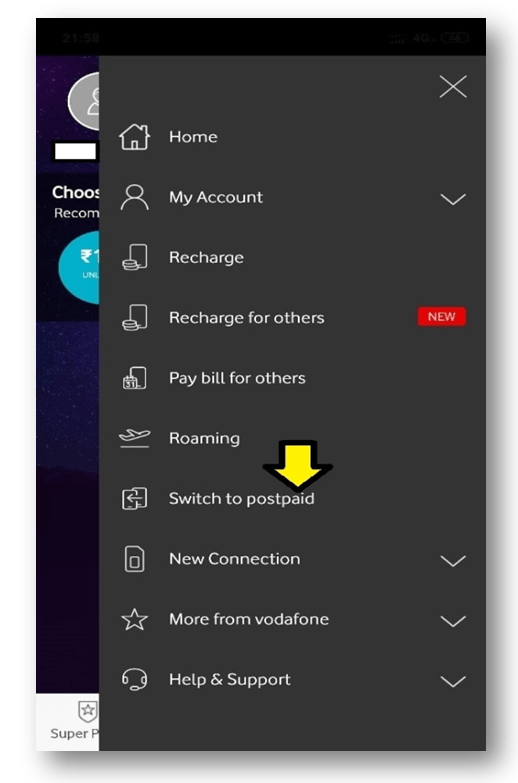
Step-5: Select on “Switch to Postpaid” option to proceed to next.
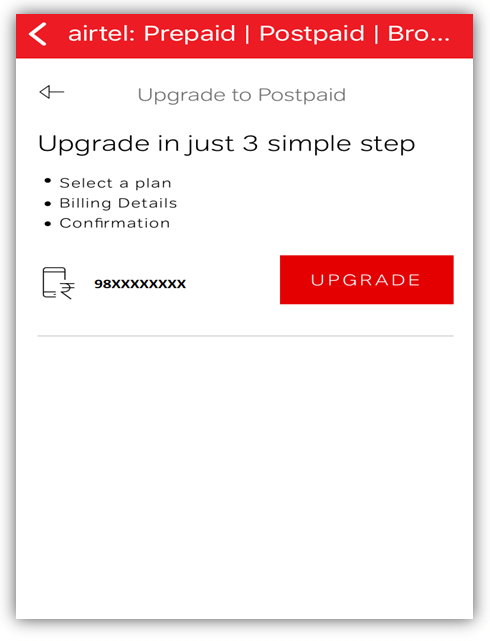
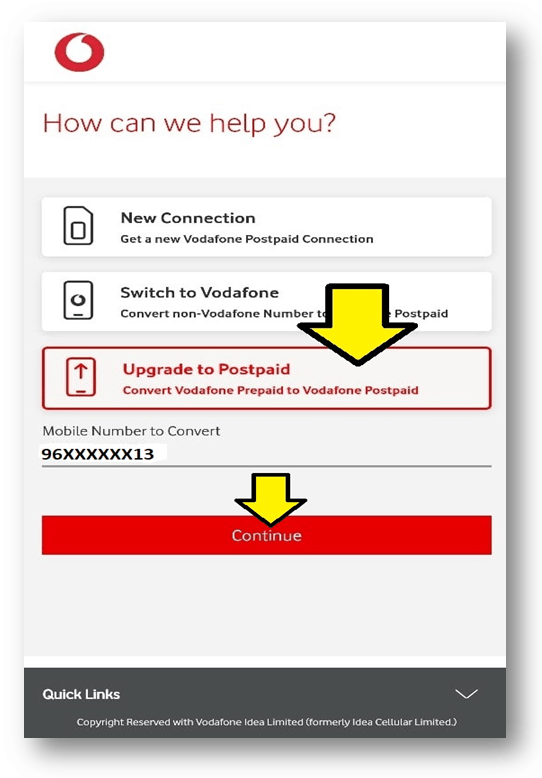
Step-6: Select on potion “Upgrade to Postpaid” and then enter on Continue bottom.
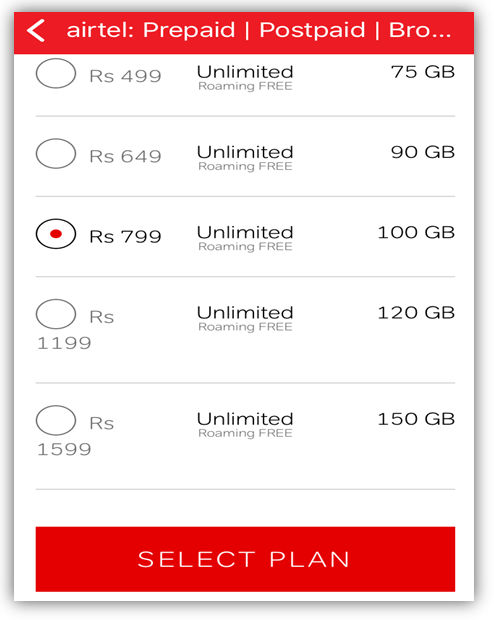
Step-7: Select a plan.

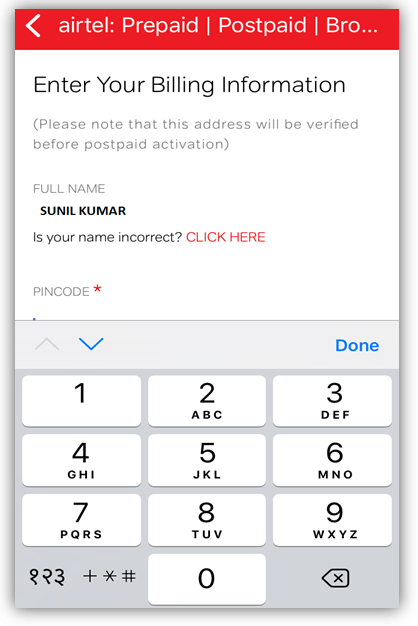
Step-8: Select the City and enter the billing information.
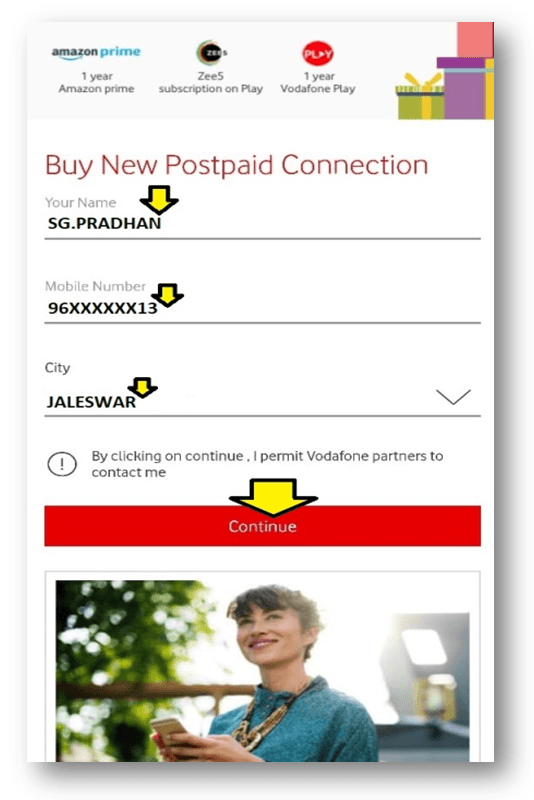
Step-9: Confirm the Detail information and submit for Prepaid to postpaid conversion.
After submission of billing information, Address confirmation will execute. Within 24 hrs you will receive an SMS regarding postpaid activation thereafter your prepaid number will convert into Postpaid.
| If you are further interested to know on how to convert postpaid number to Prepaid, then carefully read below Steps: Step-1: You should visit a nearby Store along with the Address Proof, ID Proof, and one copy color Photo. Step-2: Fill up the migration form and submit it for further processing. Step-3: Collect new SIM from your donor service provider. Step-4: Insert the new prepaid SIM after disconnection of the network from the old Postpaid SIM. |
Note:-Interface may change subject to updated apps.
FAQ:
Q1: Shall I need to collect a new SIM after converting my Vodafone prepaid number to postpaid through offline?
A1: Yes, You have to collect a New SIM from Store.
Q2: Do I have to submit documents for online migration?
A2: No.
Q3: Is there any hard copy document submission requirements for the online process?
A3: No.
Q4: Shall I need to collect a new SIM after converting my Vodafone prepaid number to postpaid through online?
A4: No.
Thank you for reading……Keep visiting Techiequality.Com
Popular Post:

Shanti Gopal Pradhan is an experienced professional in Quality Management Systems, QA, Operations, Business Excellence, and Process Improvement. He has strong expertise in international standards including IATF 16949, ISO 9001, ISO 14001, ISO 45001, and ISO 17025, along with methodologies such as TQM, TPM, and Six Sigma.
He holds a degree in Mechanical Engineering along with an MBA, combining strong technical acumen with strategic business insight, he is a Certified Internal Auditor, Lead Auditor, and Six Sigma Black Belt, with a proven track record in driving quality transformation and operational excellence.